
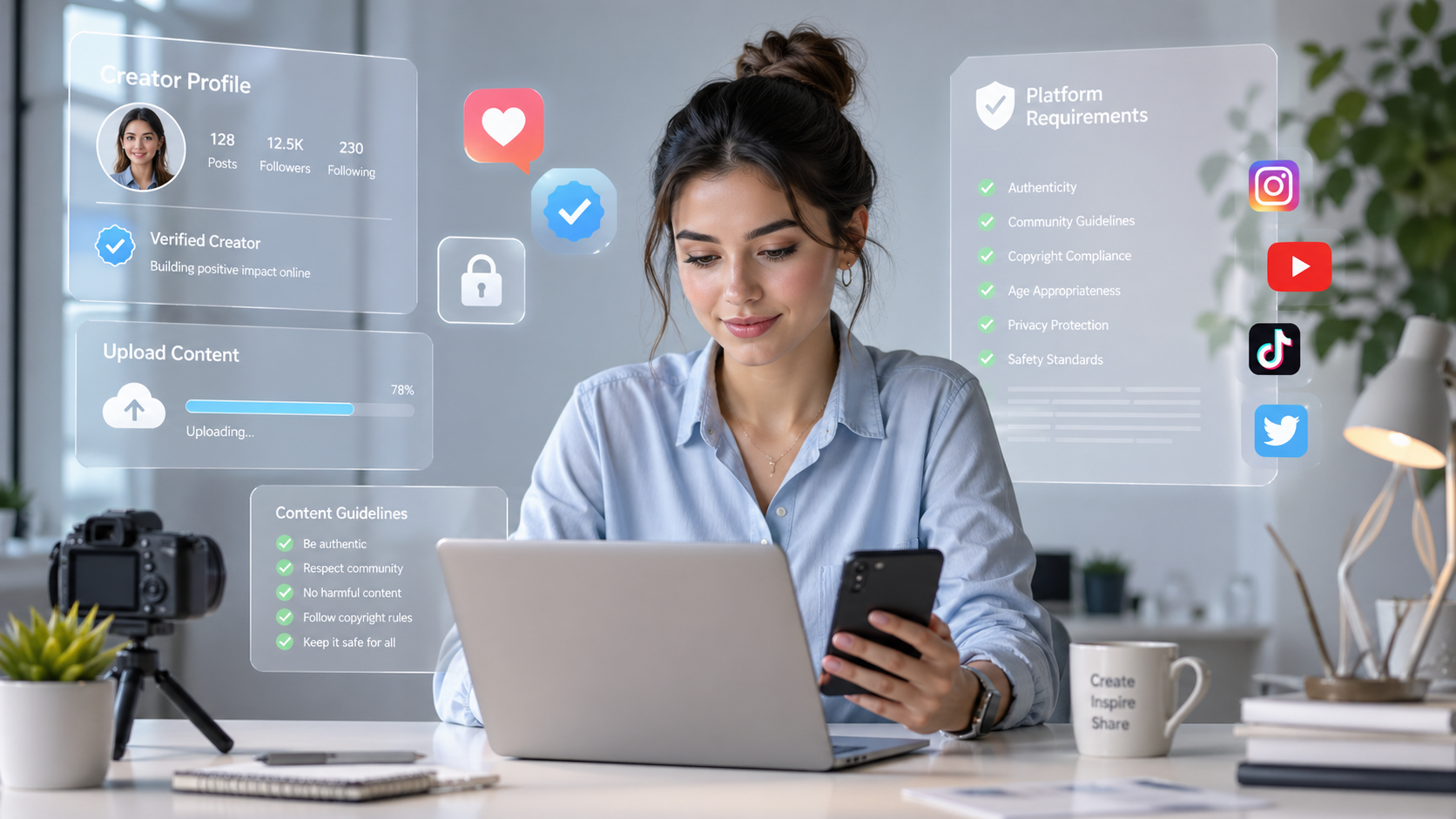
If you're researching OnlyFans creator requirements for 2026, you're in the right place. Before you shoot a single photo or write your bio, there's a checklist of mandatory steps the platform requires — plus several setup decisions that will affect how your account performs from day one. This guide walks through all of it: eligibility, identity verification, content rules, payout setup, and the profile basics that too many new creators skip.
The Non-Negotiable: Age and Identity Verification
OnlyFans requires every creator to be at least 18 years old. There are no exceptions, and the platform enforces this through a mandatory identity verification process before your account can publish any content or earn any income.
What documents you'll need
- Government-issued photo ID: A passport, national ID card, or driver's license is accepted. The document must be valid (not expired) and clearly show your full legal name and date of birth.
- A selfie or live photo: OnlyFans requires a real-time photo of your face alongside your ID so the platform can confirm the document belongs to you.
- Proof of address (sometimes): Depending on your country and payout method, you may also be asked for a utility bill or bank statement dated within the last three months.
How the verification process works
Verification is handled through a third-party identity service integrated into the OnlyFans sign-up flow. You upload your documents directly in the app or browser. Processing typically takes anywhere from a few hours to two business days. During that window your account exists but cannot publish content. Plan for this delay — don't announce a launch date until verification is confirmed.
If your verification is rejected, the most common reasons are: blurry or cropped images, an expired ID, or a selfie that doesn't clearly match the ID photo. Re-submit with clean, well-lit images and the issue usually resolves quickly.
OnlyFans Content Guidelines: What's Allowed, What Isn't
Understanding the platform's content rules before you start saves you from account strikes or sudden removals later. OnlyFans permits adult content from verified creators, but there are firm boundaries.
What is permitted
- Adult content featuring consenting adults (all persons appearing in content must be 18+ and verified)
- Lifestyle, fitness, cooking, music, and other non-adult content — OnlyFans is not exclusively adult
- Paid subscriptions, pay-per-view messages, tips, and live streams
What is strictly prohibited
- Any content involving minors, even implied or animated
- Non-consensual content of any kind
- Content that depicts real violence, weapons used in a threatening context, or illegal activity
- Posting content featuring another person without their documented consent
- Doxxing or sharing private information of others
If you plan to collaborate with other creators, both parties must have verified OnlyFans accounts. Filming with an unverified person and posting that content is a violation that can lead to permanent account removal.
Technical Setup: Equipment You Actually Need to Start
One of the most common myths about starting on OnlyFans is that you need expensive camera gear immediately. You don't. What you need is consistent, high-quality output — and that's achievable with equipment most people already own.
Smartphone as your starting point
A modern smartphone — iPhone 12 or later, or a recent Android flagship — shoots more than good enough quality for OnlyFans content. The bottleneck is almost never the camera. It's lighting.
Lighting matters more than the camera
- Natural light: Position yourself facing a window during daylight hours. Soft, diffused daylight flatters skin tone and requires zero investment.
- Ring light: A basic ring light ($25–$60) placed at eye level provides consistent, flattering light regardless of time of day. It's the single most impactful hardware purchase for most new creators.
- Avoid overhead lighting: Ceiling lights create harsh shadows under the eyes and chin. Turn them off and use dedicated light sources instead.
Useful additions over time
- A tripod or phone stand for stable, hands-free shooting
- A simple backdrop (a clean wall, fabric, or ring-light stand with a backdrop kit)
- Basic video editing: CapCut (free) or Adobe Premiere Rush handle most creator needs
As your revenue grows, you can invest in a mirrorless camera and proper lighting rigs. In the beginning, consistency and creativity outperform gear every time. This is also why having a content strategy before you start shooting makes such a concrete difference to your early results.
Payout Setup: Getting Paid as a US Creator
You won't receive any earnings until your payout method is connected and verified. OnlyFans pays creators via bank transfer (ACH for US accounts), and the setup happens inside your account settings.
What you'll need for US payout setup
- A US bank account in your legal name (the name must match your verified ID)
- Routing number and account number from your bank
- Tax information: OnlyFans will collect your Social Security Number (SSN) or Employer Identification Number (EIN) for IRS reporting. As a US creator, you are self-employed and will receive a 1099 form for earnings above $600 in a tax year. Keep records of all income and relevant expenses — consult a tax professional familiar with self-employment income.
If you're operating under an LLC, you can provide your EIN instead of your SSN. Many creators eventually structure this way for liability and tax purposes, but it's not required to start.
OnlyFans has a minimum payout threshold (typically $20) and pays on a net-21 basis — meaning earnings are held for 21 days before release, a fraud-prevention measure standard across creator platforms.
Profile Setup: First Impressions That Convert
Your profile is the first thing a potential subscriber sees. A half-finished profile with a blank bio and a default avatar communicates that you're not serious — and that perception costs you subscribers before you've even posted content. Setting up your account correctly from day one is one of the fastest ways to improve your early conversion rate.
Profile photo
Choose a photo that is clear, well-lit, and represents the tone of your content. It doesn't have to be explicit — many high-performing creators use a strong, confident face shot or a lifestyle image. The goal is to make a visitor immediately understand the vibe of your page.
Bio
Keep it specific and direct. State what kind of content subscribers get, how often you post, and whether you do custom requests or direct messaging. Avoid generic phrases like "here for a good time" — they communicate nothing useful and don't differentiate you from thousands of other profiles.
Pricing
New creators often underprice out of insecurity or overprice out of optimism. Research what creators in your niche charge and position yourself thoughtfully. A free or low-cost subscription with strong pay-per-view (PPV) revenue is a common and effective model for building an audience quickly. Your pricing strategy should connect directly to how you plan to generate revenue across multiple income streams on the platform.
Common Beginner Mistakes to Avoid
Most setup errors are preventable. Here are the ones that come up most often:
- Skipping a content plan before launch: Posting sporadically in the first weeks signals unreliability. New subscribers need a reason to stay. Have at least two weeks of content planned before you go live.
- Using a real name or personal social media linked to your real identity: If you want to keep your creator activity private, decide on your creator persona and separate accounts before you start — changing this after the fact is complicated.
- Setting subscription price and never revisiting it: Pricing isn't set-and-forget. As your subscriber count and content library grow, your pricing should reflect that.
- Not watermarking content: Content theft is real on adult platforms. Add a subtle watermark with your creator name to photos and videos before posting.
- Ignoring the payout and tax setup until earnings arrive: Complete your bank and tax information during setup, not after. Delays in payout verification mean delays in getting paid.
- Filming with unverified collaborators: As noted above, this is a policy violation that puts your entire account at risk.
Frequently Asked Questions
Do I have to pay taxes on my OnlyFans income as a US creator?
Yes. OnlyFans creator income is self-employment income under US tax law. The platform issues a 1099-NEC to creators who earn $600 or more in a calendar year, and that income is reportable to the IRS. You may also owe self-employment tax (currently 15.3% on net earnings) in addition to income tax. Track your expenses — equipment, lighting, subscriptions to tools — as these may be deductible. Work with a CPA or enrolled agent who has experience with self-employed clients.
Can I use a P.O. box or virtual address for my OnlyFans account?
OnlyFans requires a verifiable address for account setup. Whether a virtual business address satisfies this depends on your specific situation and the documents you provide. If you're concerned about privacy, consult with a legal or financial professional about options like an LLC with a registered agent address before you sign up.
How long does OnlyFans creator verification take in 2026?
Verification typically completes within a few hours to two business days after you submit clean, valid documents. If your submission is flagged or rejected, resubmitting with better-quality images usually resolves the issue within another 24–48 hours. There is no expedited option, so plan your launch timeline to account for this window.